

Core capabilities overview
Integration modes
- Hosted Checkout
- Embedded Checkout
Waffo hosts and renders the entire checkout page. Your backend creates a payment session and redirects the user to the Waffo-hosted URL.
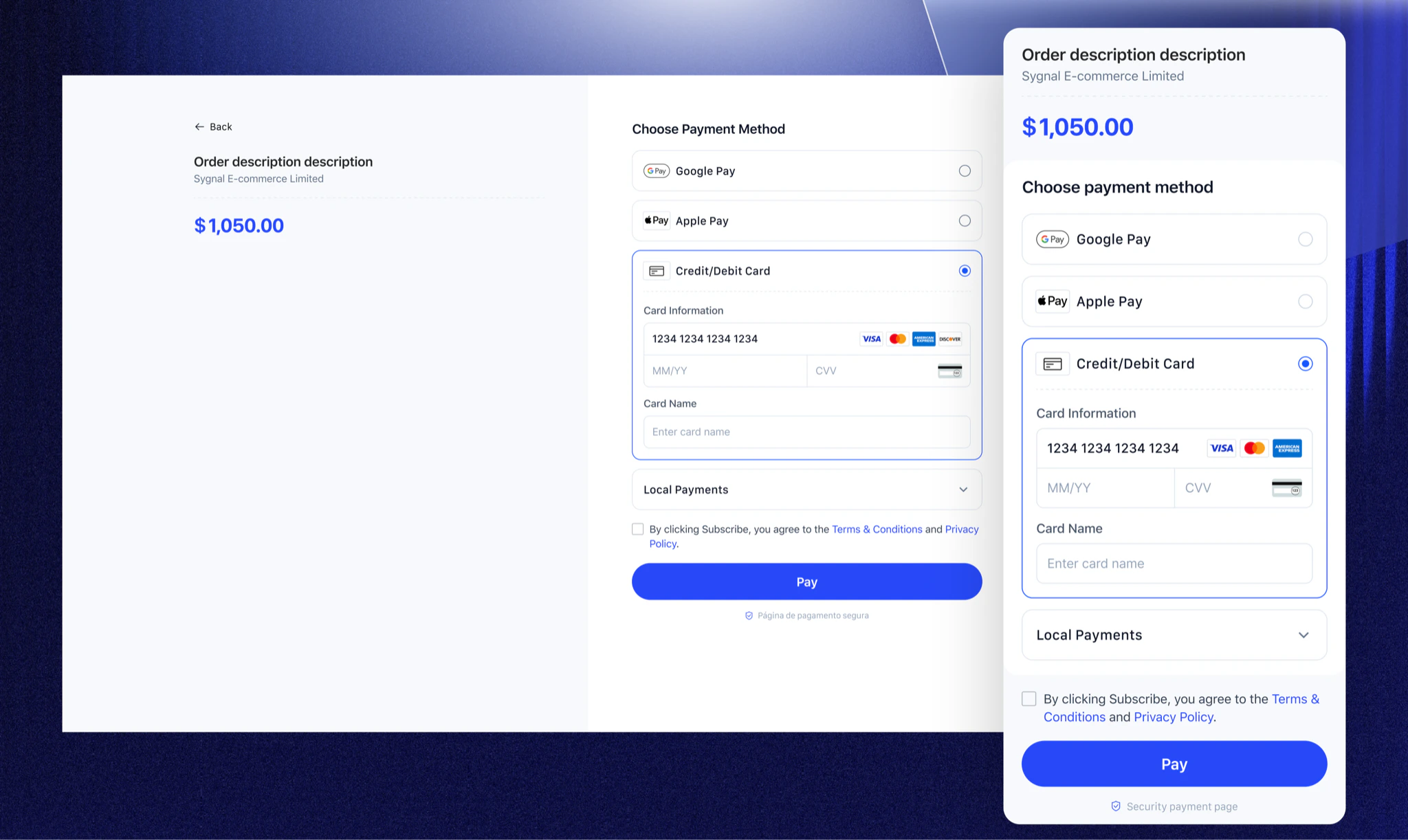
Payment methods showcase
Waffo Checkout dynamically displays available payment methods based on payment mode, region, currency, or business rules. Whether it is a one-time payment or a subscription, the Checkout seamlessly synergizes with the corresponding payment capabilities. View Supported Payment Methods →Payment flow experience
From order creation to payment completion, Waffo provides a clear, smooth, and standardized interaction flow.1
Confirm Order
The user browses goods or services on the merchant’s site and clicks the “Checkout” button. The merchant backend calls the Waffo API to create a Payment Session or Subscription.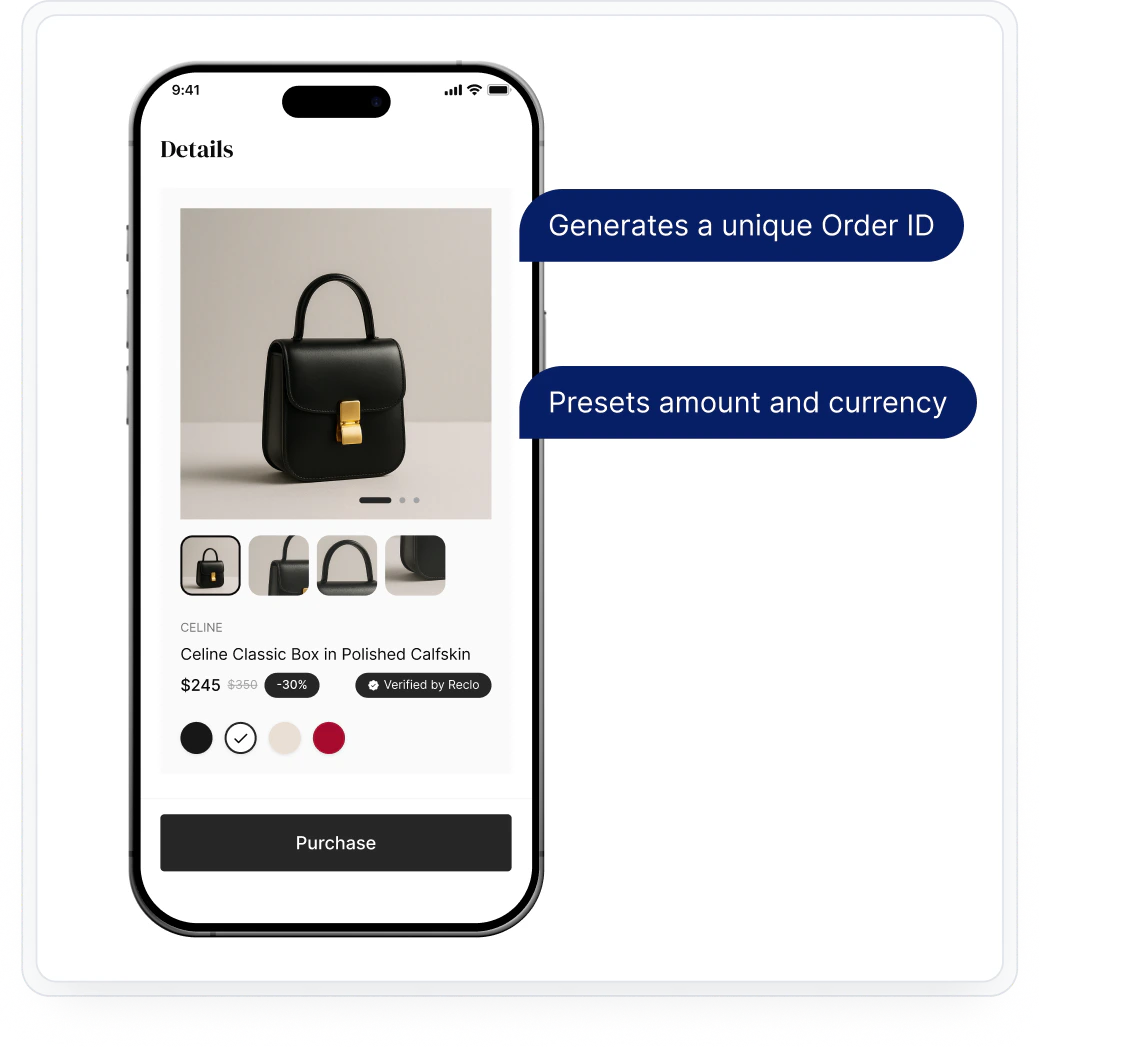
- Generates a unique Order ID
- Presets amount and currency
2
Invoke Checkout
The merchant frontend invokes the Waffo Checkout via redirect (Hosted) or SDK initialization (Embedded).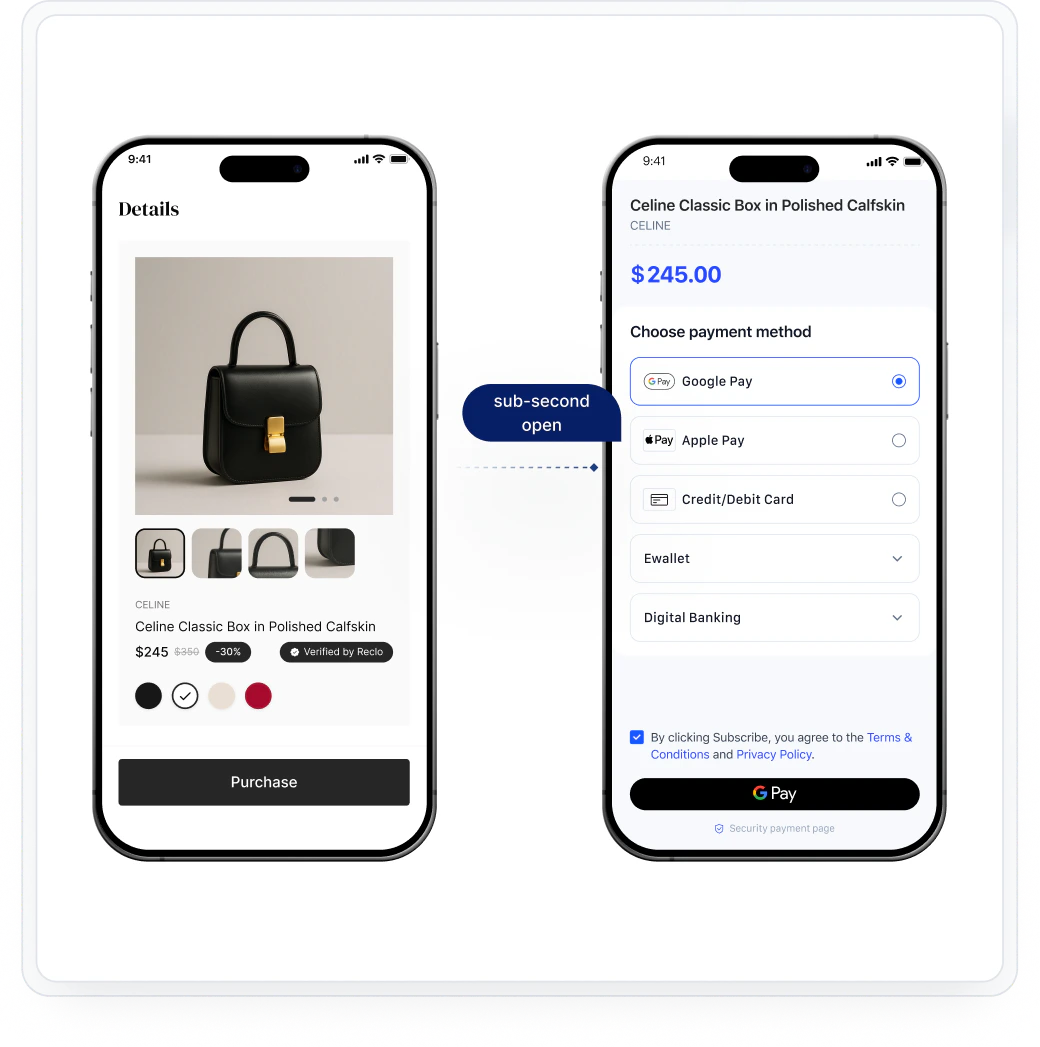
3
Select Payment Method
The user selects their preferred payment method from the dynamically displayed options. Available methods are filtered by region, currency, and merchant configuration.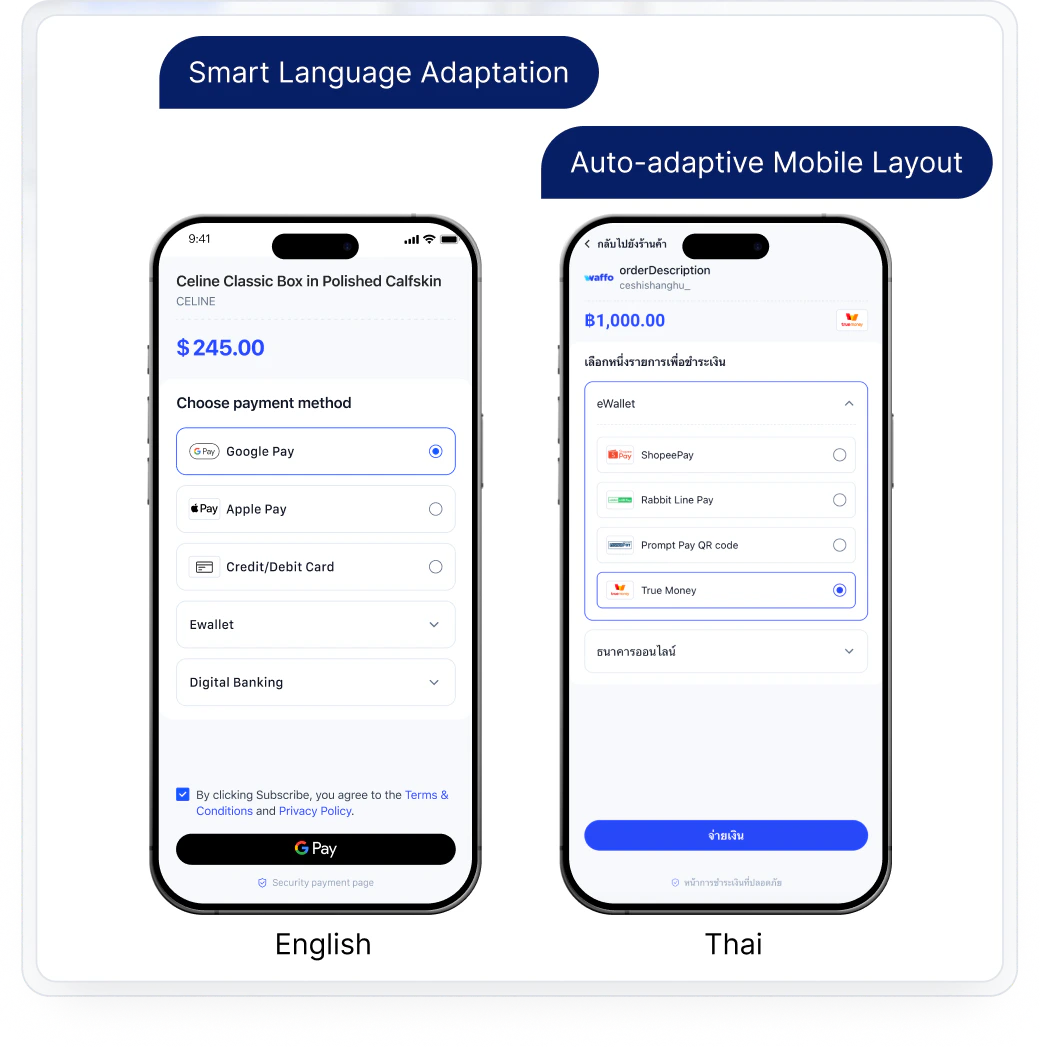
4
Authorize and complete payment
The user completes authentication and authorization through the selected payment method’s native flow (card input, wallet redirect, biometric, etc.).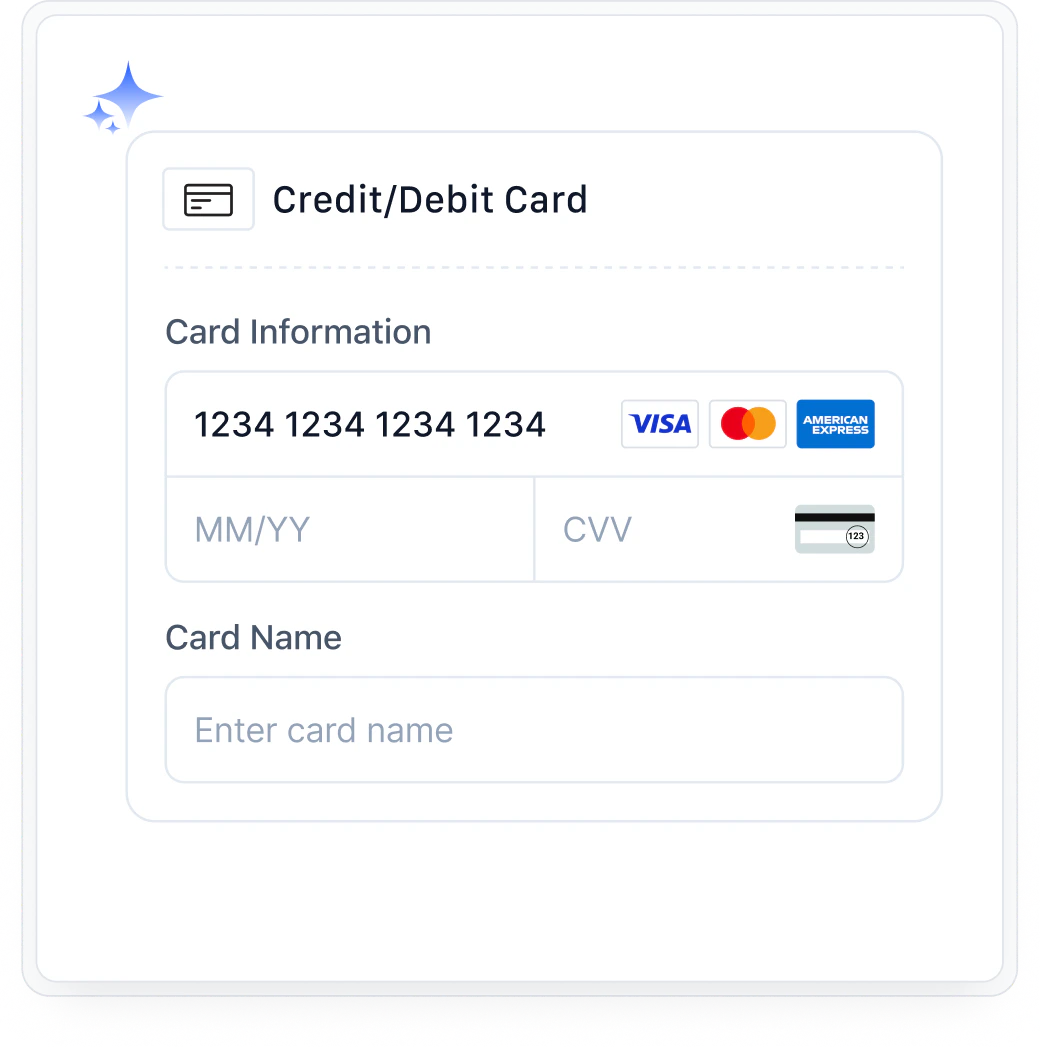
5
Result & Notification
Waffo returns the payment result to the user’s browser and sends a webhook notification to the merchant’s backend. The merchant updates order status accordingly.
UI customization options
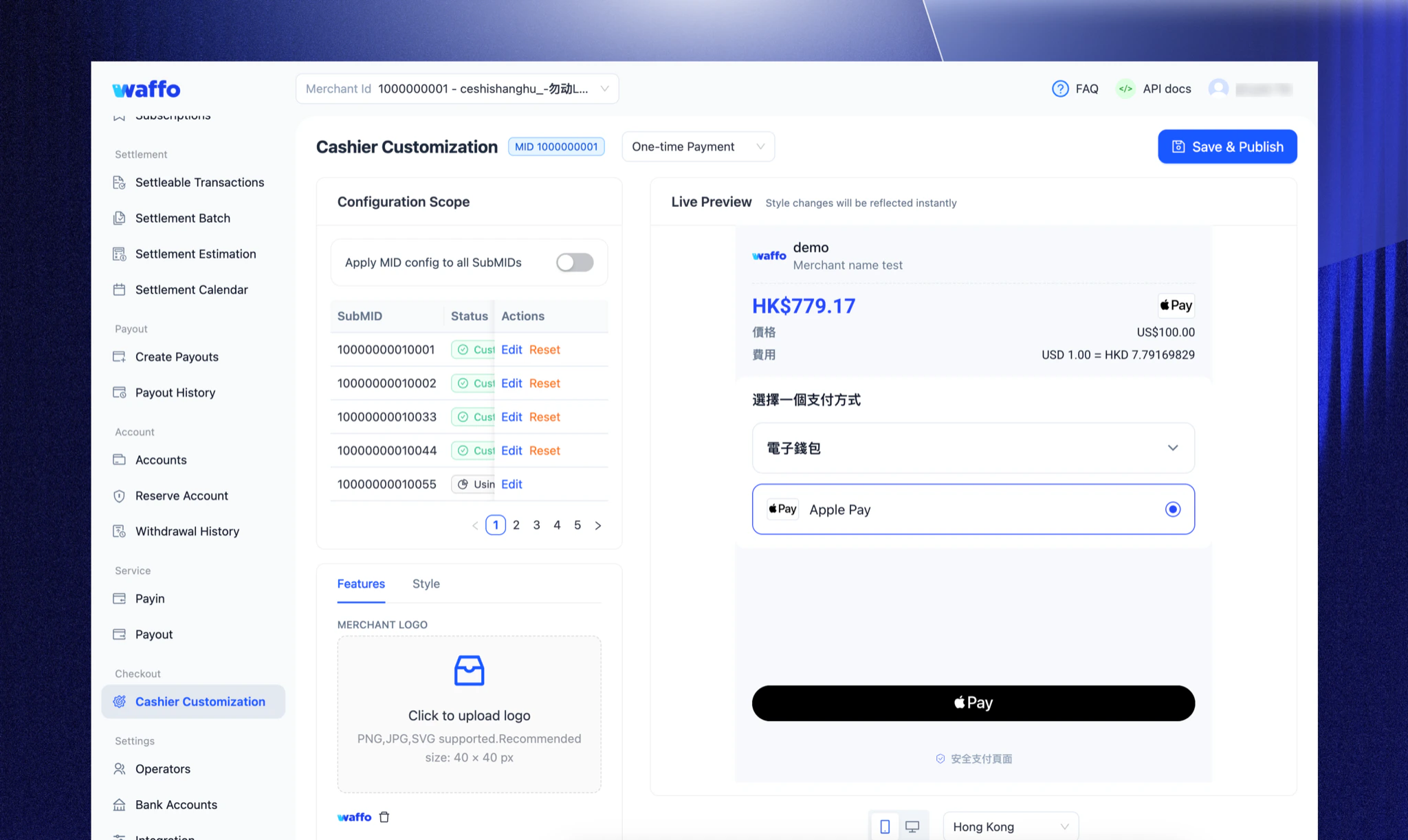
To ensure the checkout blends seamlessly with your brand, Waffo offers granular customization options. You can control the look and feel via three methods:- Merchant Portal: Visual Configuration, No Code Required. Upload logo, configure brand colors and interface styling, customize payment method order—all with real-time preview in the merchant dashboard.
- API Parameters: Server-side dynamic control. Pass configuration parameters when creating a Session to display different interfaces for different user groups (e.g., VIPs).
- Client SDK: Frontend fine-grained control. (Embedded only). Define specific CSS properties like fonts, spacing, and border radius via JavaScript objects.
Multi-language support
Waffo Checkout aims to provide a payment experience that feels like a native local application for global users. To deliver the most precise localization, Waffo Checkout intelligently presets and presents the most suitable interface language based on the region of the selected payment method.Example: When a user selects Alipay, the system automatically adapts to a Simplified Chinese interface; when selecting TrueMoney, it adapts to Thai, ensuring users complete payments in their most familiar language environment.

Integration
Waffo Checkout can be combined with different payment capabilities to form a complete solution:- Using Hosted Checkout: Support one-time or subscription payments with minimal code.
- Using Embedded Checkout: Embed the checkout via SDK or components for higher freedom of experience and customization.
- With Server API: Used to create payments or subscriptions, query status, receive notifications, and dynamically control checkout behavior.
Frequently asked questions
Which payment methods does the Checkout support?
Which payment methods does the Checkout support?
Currently, the Checkout supports 430+ global payment methods. The specific methods available may vary based on region and merchant configuration.See the full list on the Payment Methods page.
Does the Checkout meet payment security and compliance requirements?
Does the Checkout meet payment security and compliance requirements?
Yes, the Checkout complies with relevant payment security and compliance standards (such as PCI DSS) and processes sensitive payment information via secure channels.
How does the Checkout handle payment failures?
How does the Checkout handle payment failures?
If a payment fails, the Checkout page displays the reason for the failure. Users can retry the payment or switch to a different credit card. Common failure reasons include insufficient funds, incorrect card information, or transaction decline by the issuing bank.
Need help? Contact support